HEXAGON AI - AI RENDERING FOR DESIGNERS
Hexagon AI is a local AI application installed directly on your computer, using your SSD/HDD and GPU to render images from 3D design work.
Create realistic rendered images from raw design inputs.

From 2D Plans to Perspective Images
Turn 2D plans or rough drawings into visual concepts for faster design presentations.
View DetailsExterior Rendering
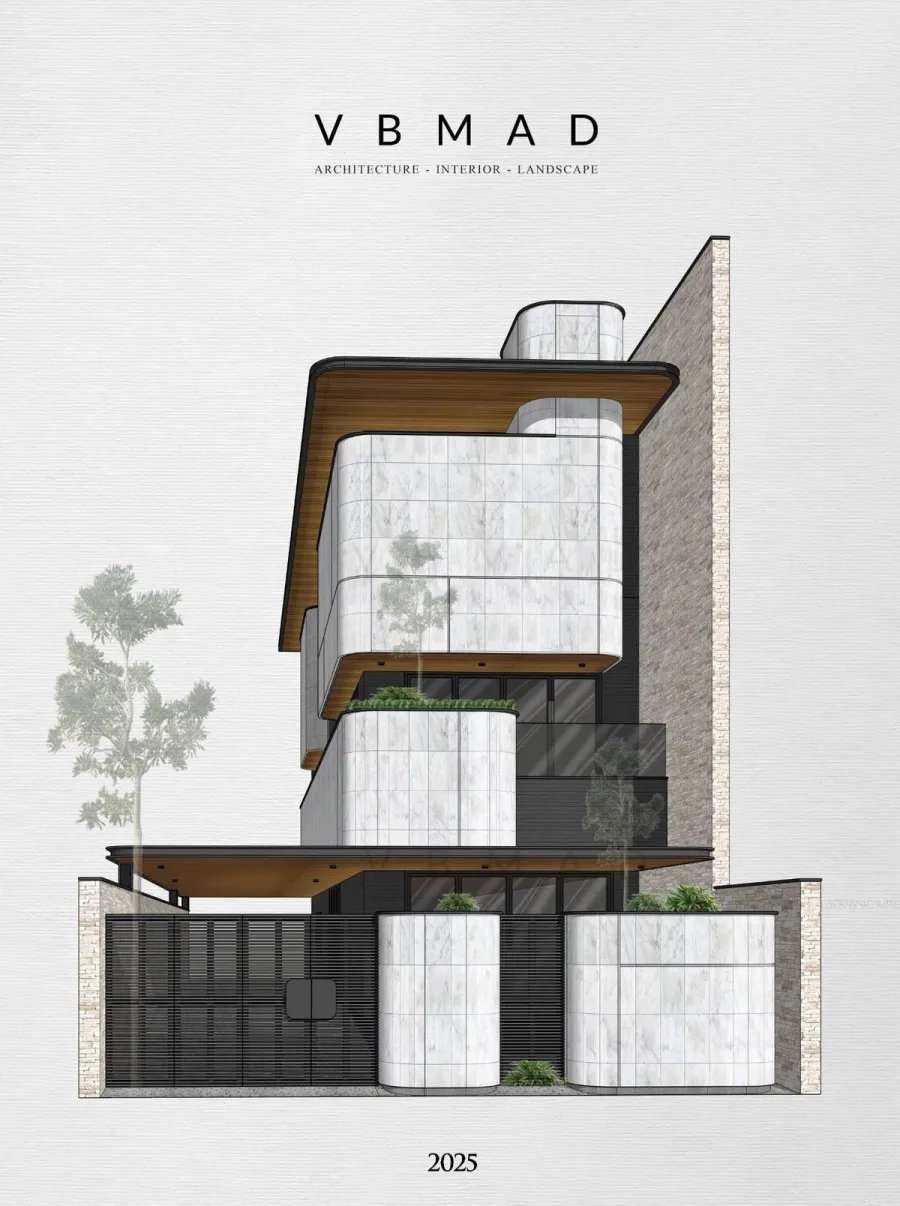
From rough perspectives, sketches or 3D model screenshots, Hexagon AI creates exterior images with refined lighting and materials.
View DetailsRefine Interior Spaces
Quickly render interior options, adjust materials, layout and image finishing in one workflow.
View DetailsCreate realistic rendered images from raw design inputs.
Turn ideas into presentation-ready visuals, from sketches, plans and rough perspectives to polished rendered images.
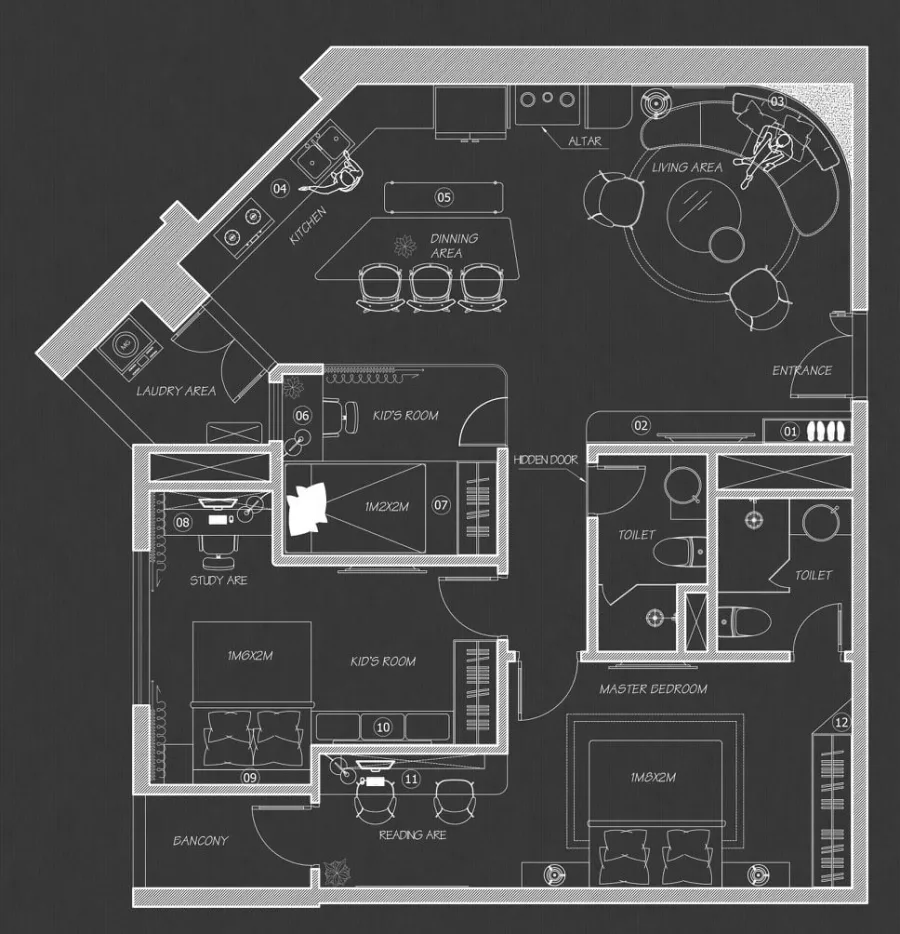
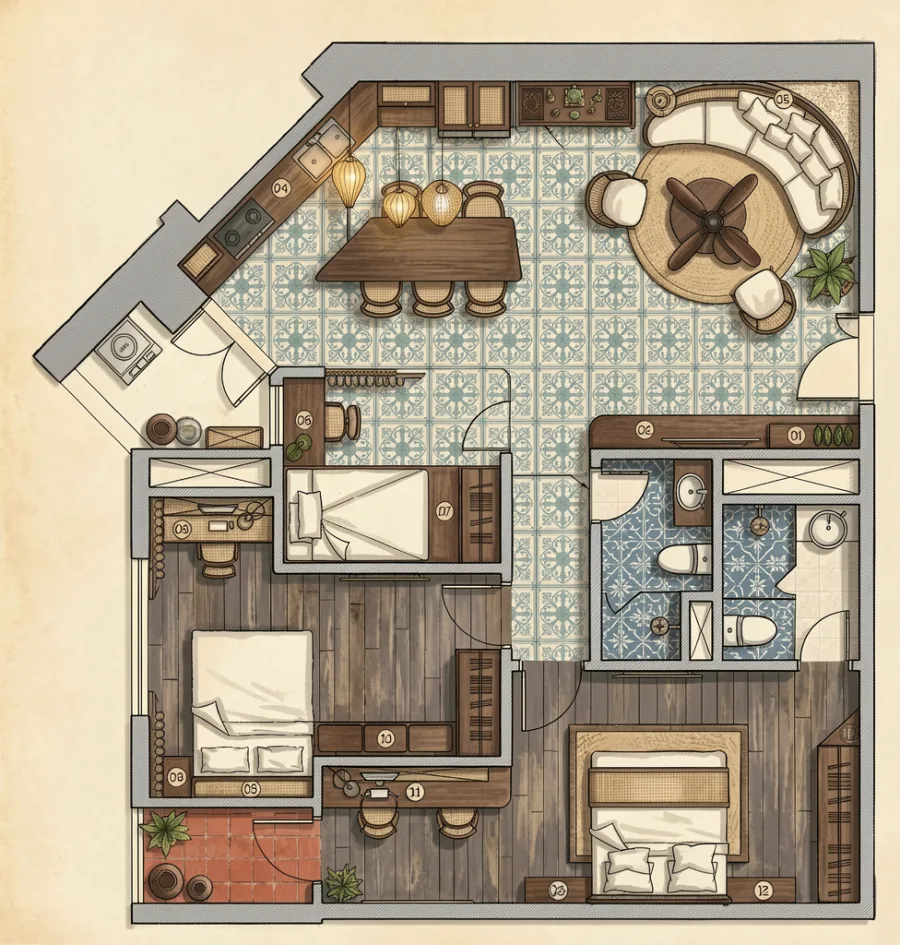 Original
AI Rendering
<>
Original
AI Rendering
<>
From 2D Plans to Perspective Images
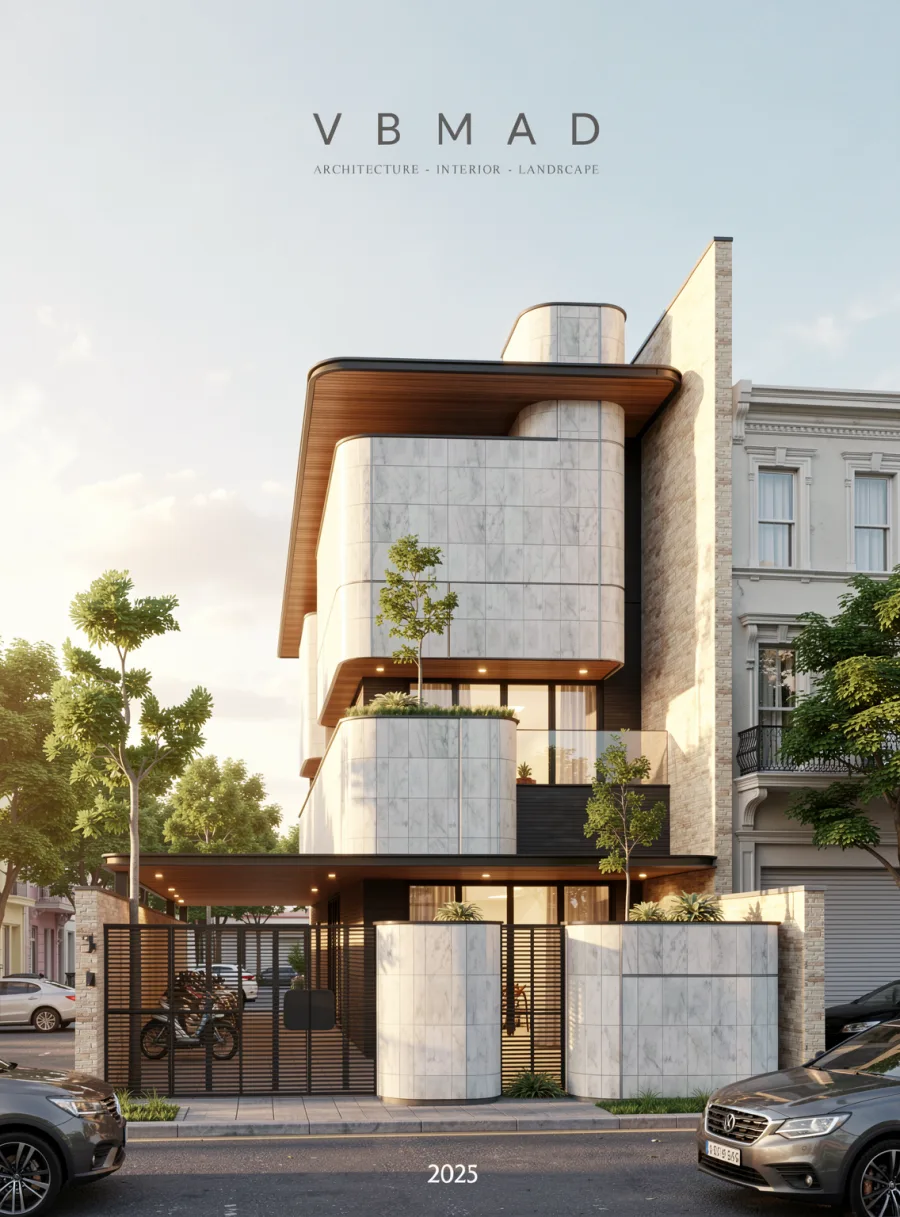 Original
AI Rendering
<>
Original
AI Rendering
<>
Exterior Rendering
 Original
AI Rendering
<>
Original
AI Rendering
<>
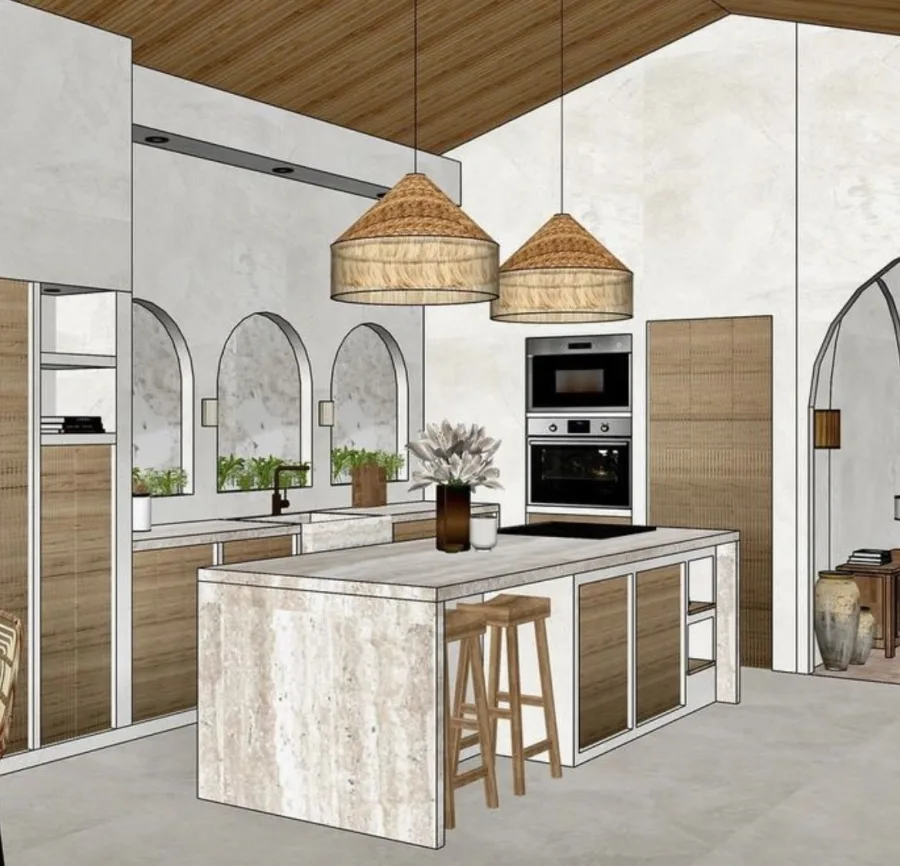
Interior Rendering
 Original
AI Rendering
<>
Original
AI Rendering
<>
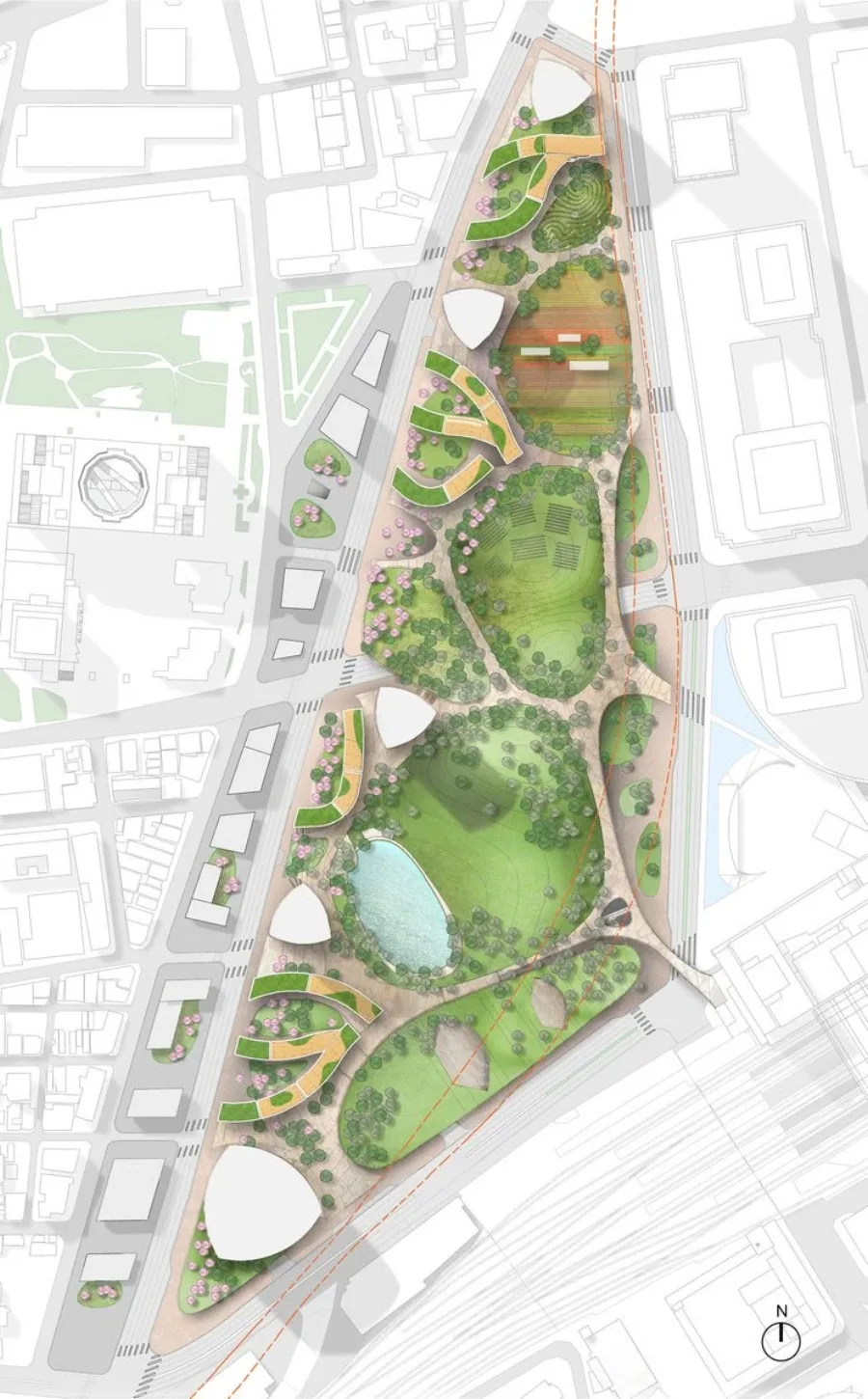
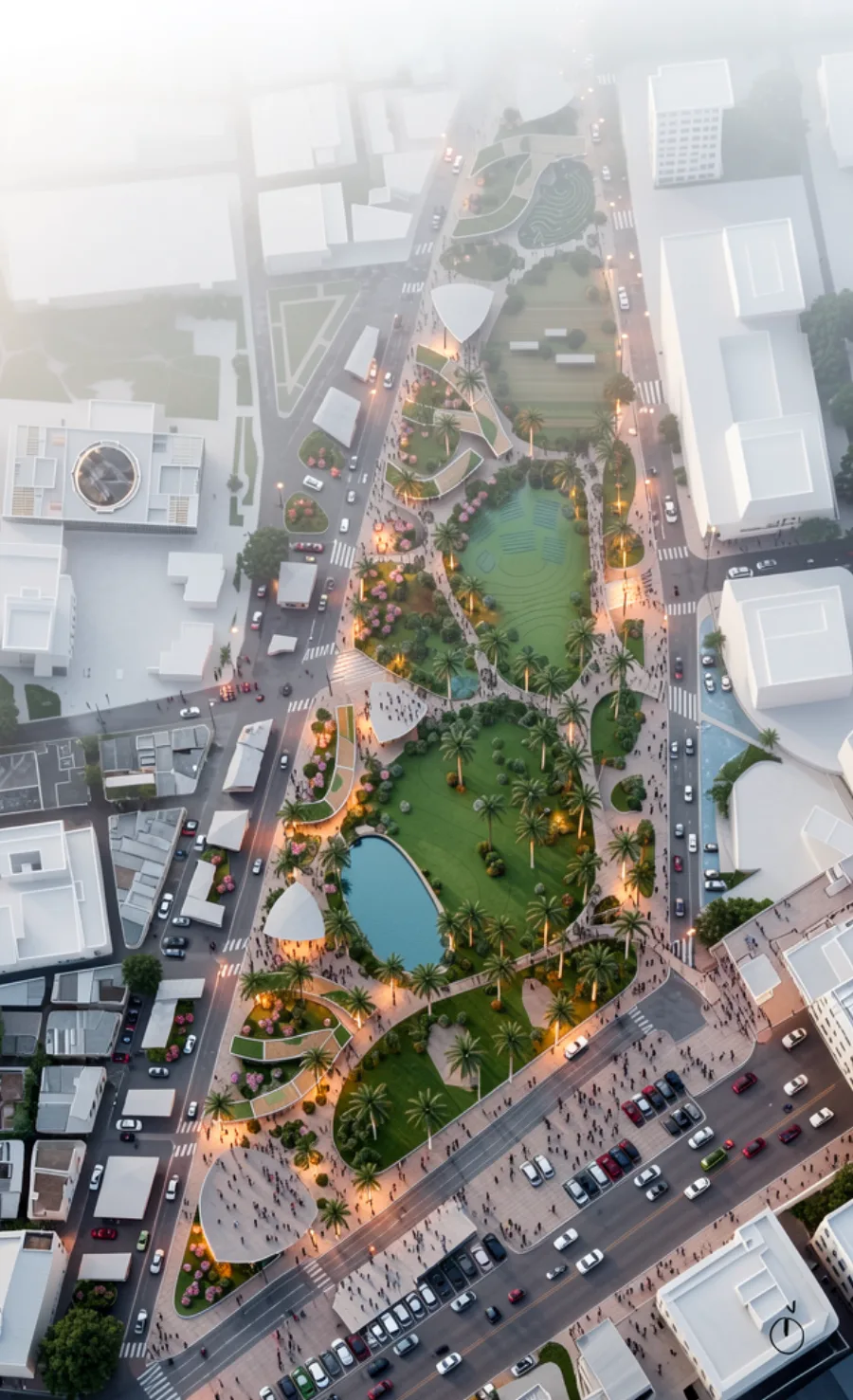
Render masterplan

 Original
AI Rendering
<>
Original
AI Rendering
<>
Day/Night Scene Conversion
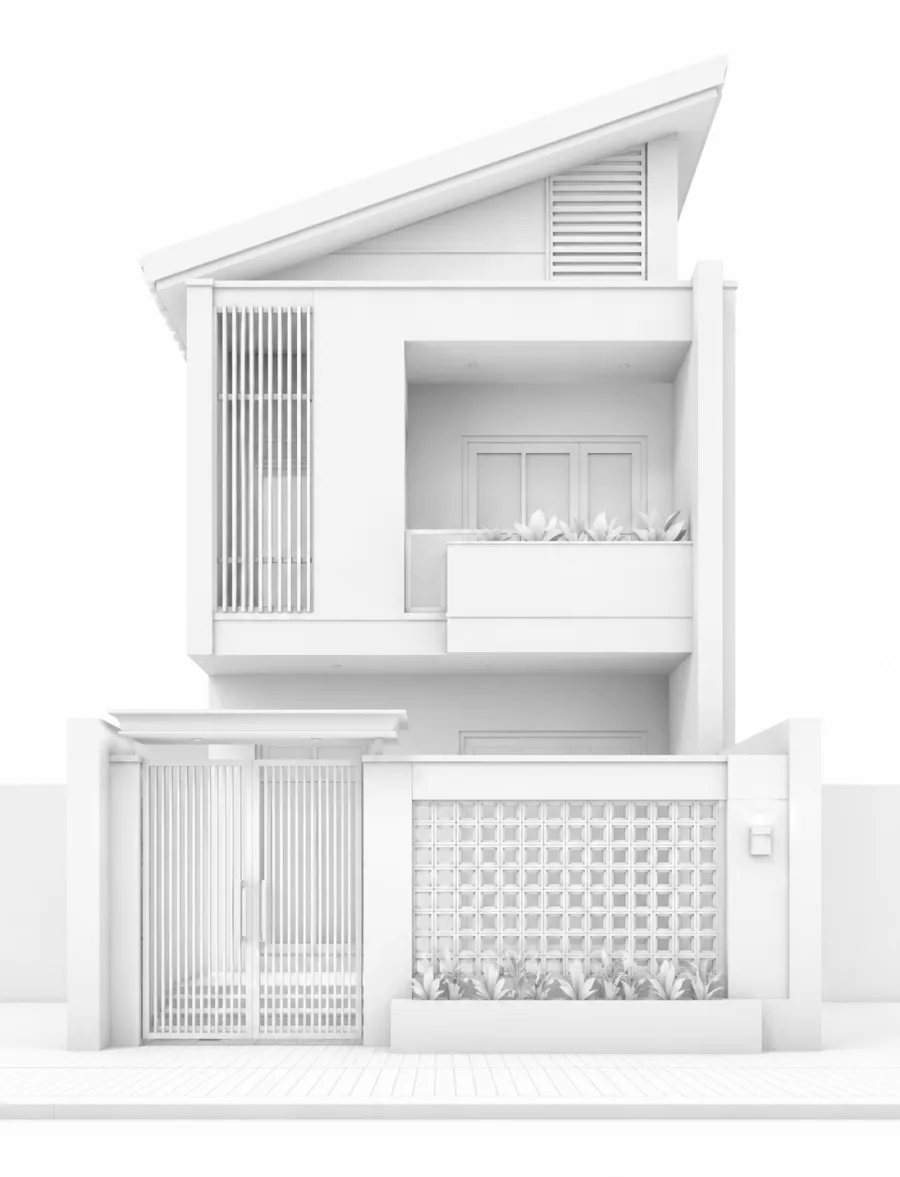
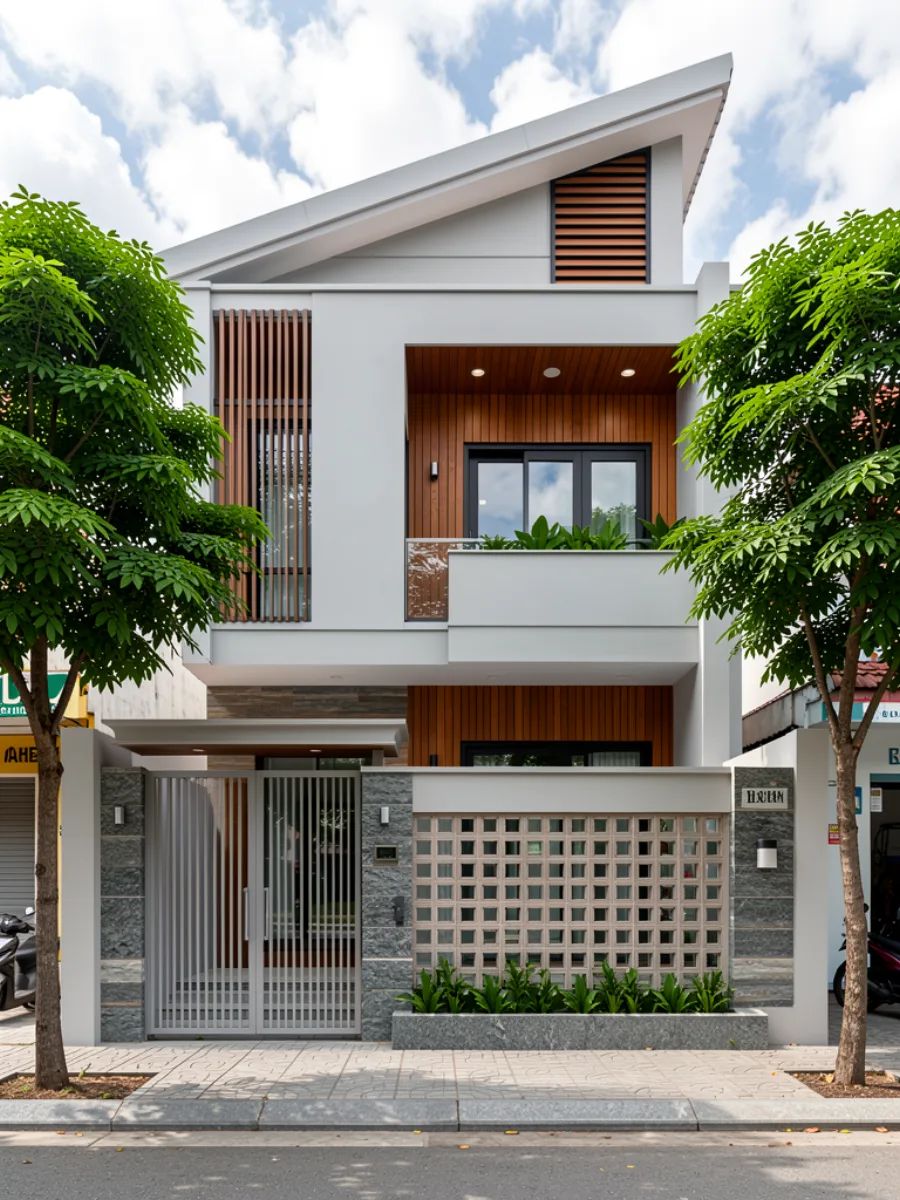 Original
AI Rendering
<>
Original
AI Rendering
<>
Concept render
What is Local AI?
-
AI runs offline, installed directly on your computer, using your own hardware resources for AI tasks.
-
Hexagon AI uses powerful AI systems as engines and packages them into a professional archviz workflow.
-
Users can render, explore design options and process images directly on their own workstation.
Buy a license and render without credit limits.
-
No credit lock-in, no need to count remaining render attempts.
-
Licenses are tied to the workstation Hardware ID, suitable for individuals, studios and fixed production machines.
-
Paid plans unlock all 16 current tools and include support during the license period.
What you get after activation.

Unlimited use of 16 in-app tools
Interior, exterior, planning, 3D concept, 2D plan, upscale, outpaint and batch render workflows.

Unlimited image output
No extra per-image rendering cost because Hexagon AI runs locally on your own hardware.
24/7 support and free updates
Hexagon provides installation guidance, license activation support, version updates and troubleshooting assistance.
16 +
In-app tools
100 %
Unlimited rendering
40 GB+
AI Data local
50 %
Launch offer
Flexible Local AI License
$20
Single
For testing, quick proposals and small projects.
- Duration: 1 month.
- Features: full feature access.
- Unlimited rendering.
- Technical support.
- Best for testing and small projects.
$50
Single
For active architects, designers and production work.
- Duration: 3 months.
- Features: full feature access.
- Unlimited rendering.
- Technical support.
- Best for professionals.
$160
Single
For studios that use AI rendering as a daily workflow.
- Duration: 12 months.
- Features: full feature access.
- Unlimited rendering.
- Priority technical support.
- Suggest new features.
- Best for frequent and professional use.
From download to rendering in a few steps.
Download Hexagon AI, prepare storage for AI Data larger than 40GB, and watch the guide before activating your license.
Hexagon AI for Windows
The installer includes the main app and local AI data package. After installing the data, processing runs from your SSD/HDD and GPU.
System Requirements
Check these requirements before downloading and installing Hexagon AI.
Installation Drive
Drive C should be an SSD so the app and supporting data run reliably.
Data Storage
AI Data is larger than 40GB and can be stored on an SSD or HDD with enough free space.
Minimum 16GB RAM
Enough RAM helps rendering and image workflows run more reliably.
Nvidia RTX VRAM 6GB
Requires an Nvidia RTX GPU with at least 6GB VRAM.
FAQ - Common Questions
Get Started Hexagon AI
Contact support for plan advice, payment guidance, activation key delivery and installation help.